
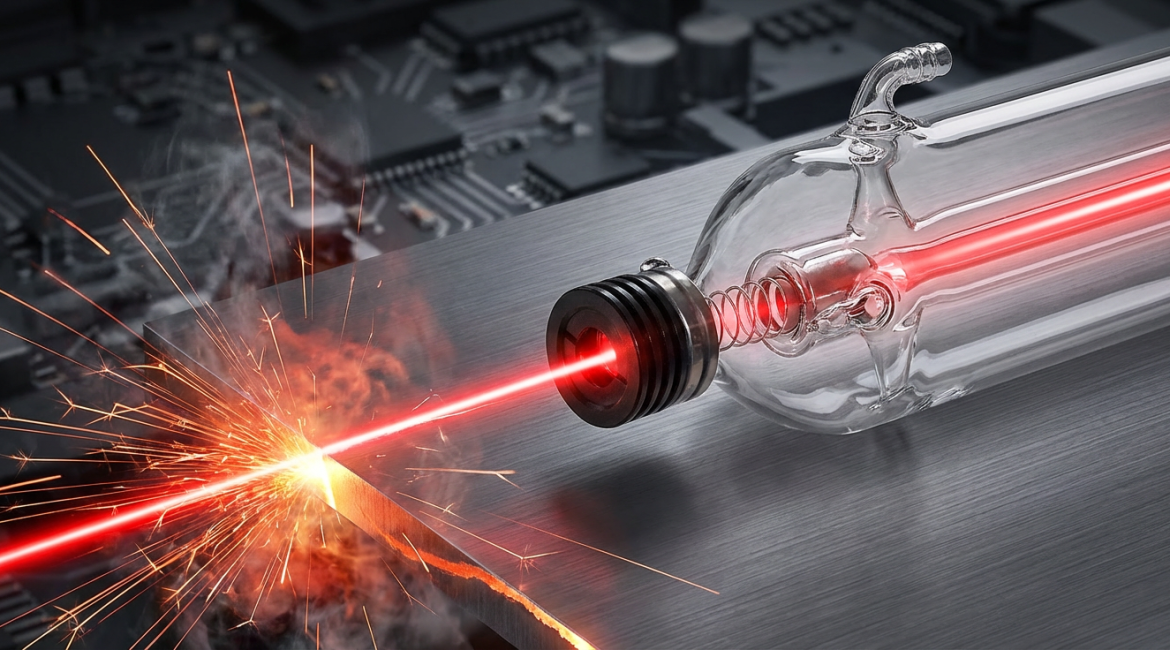
Getting the perfect laser cut or engraving is all about balance. Three things matter most: Laser Power (P), Processing Speed (V), and Focus Depth (F). They work together, and when you understand their relationship, you can turn your CO2 laser into a powerhouse of precision and efficiency.
The “Big Three”: Power, Speed, and Energy Density
To master your laser, you first need to understand Energy Density.
Think of it this way: to cut or engrave a material, you have to hit it with enough focused energy to make it vaporize. The amount of energy needed is called the material’s “vaporization threshold.” The total energy you deliver to a single spot over a period of time is your Energy Density, and it’s controlled by three factors.
First is Laser Power (P), which is the raw, instantaneous energy output of your laser. Higher power directly increases the base energy density.
Second is Speed (V), which dictates how fast the laser head moves across the material. A faster speed means less dwell time on any single spot, which in turn lowers the energy density.
Third is Focus (F), which determines how concentrated the laser beam is. The best focus creates the smallest possible spot, and therefore the highest and most effective energy density.
The rule is simple: for a given focus, your power and speed must be perfectly matched to deliver the ideal Energy Density for the job. If you use high power, you can use a faster speed. If you have low power, you must slow down to achieve the same effect.
Mastering the Cut vs. The Art of Engraving
Cutting and engraving have different goals and require different strategies.
Goal: The Perfect Cut
The aim of cutting is to slice through the material cleanly and quickly, with minimal burning or melting along the edges (this is known as the Heat Affected Zone, or HAZ).
Many users fall into the common trap of assuming that using very high power with a very slow speed is the safest bet. While this will certainly cut through the material, the extended exposure to the laser’s heat causes severe carbonization, melts the edges, and leaves a messy residue (dross) at the bottom. This lowers the quality of your cut.
The optimal strategy is actually to use High Power + Matched High Speed. The goal is to use high power and find the fastest possible speed that still cuts cleanly through the material. This “get in, get out” approach dramatically reduces the time the material is exposed to heat, resulting in a clean, vertical cut (kerf) with a minimal HAZ.
For your focus when cutting, a good rule of thumb is to set it on or just slightly below the surface for thin materials. For thicker materials, move the focus point downward to about 1/3 of the material’s thickness to ensure the cut remains straight from top to bottom.
Goal: Efficient Engraving
Engraving is an art of control. The goal is to remove only a very thin layer from the material’s surface without cutting all the way through.
Speed is the most critical factor here. Engraving requires much higher speeds than cutting to prevent the laser from spending too much time in one spot, which would scorch the material or punch right through it.
You will also use much lower power for engraving, typically between 10% and 50% of the laser’s maximum power. You can fine-tune the power to precisely control the depth and color of the engraved mark.
For the sharpest and most detailed engraving results, always set your focus directly on the material’s surface. This creates the smallest possible laser spot and the highest concentration of energy.
A Material-by-Material Guide
Different materials absorb laser energy differently, so they require unique settings.
- Wood & Bamboo
For cutting, use medium-to-high power with a matched speed. A strong air assist is critical to blow away smoke, prevent flames, and cool the cut to reduce charring. For engraving, be gentle. Use lower power and a faster speed to create a clean, light-brown mark, as too much power will cause deep charring. - Acrylic / Plexiglass
When cutting, the goal is a “flame-polished,” perfectly smooth edge. This requires very precise speed control—too fast gives a rough cut, while too slow causes bubbles. Use moderate power and a stable speed. When engraving, use very low power (around 10%) to create a clean, frosted white mark on the surface without melting it. - Leather & Fabric
These materials burn easily. For cutting, you must use a combination of low power and very high speed to slice the fibers before they have a chance to scorch or shrink. For engraving, use extremely low power. Often, the goal is simply to discolor the surface or create a very slight mark, as a little too much power will cut right through.
From Guesswork to Science
Mastering your laser is a journey from “by feel” to “by the numbers.” Start with the recommended parameters for a material, but don’t be afraid to test and adjust. A scientific approach is the key: keep two parameters constant (like power and focus) and adjust only the third (speed) until you achieve the perfect result. This methodical process is the secret to unlocking your laser’s full potential for both quality and efficiency.